
How Chinese Criminals Steal Your Credit Card With Just One Text: A Critical Security Alert for Mac and iPhone Users
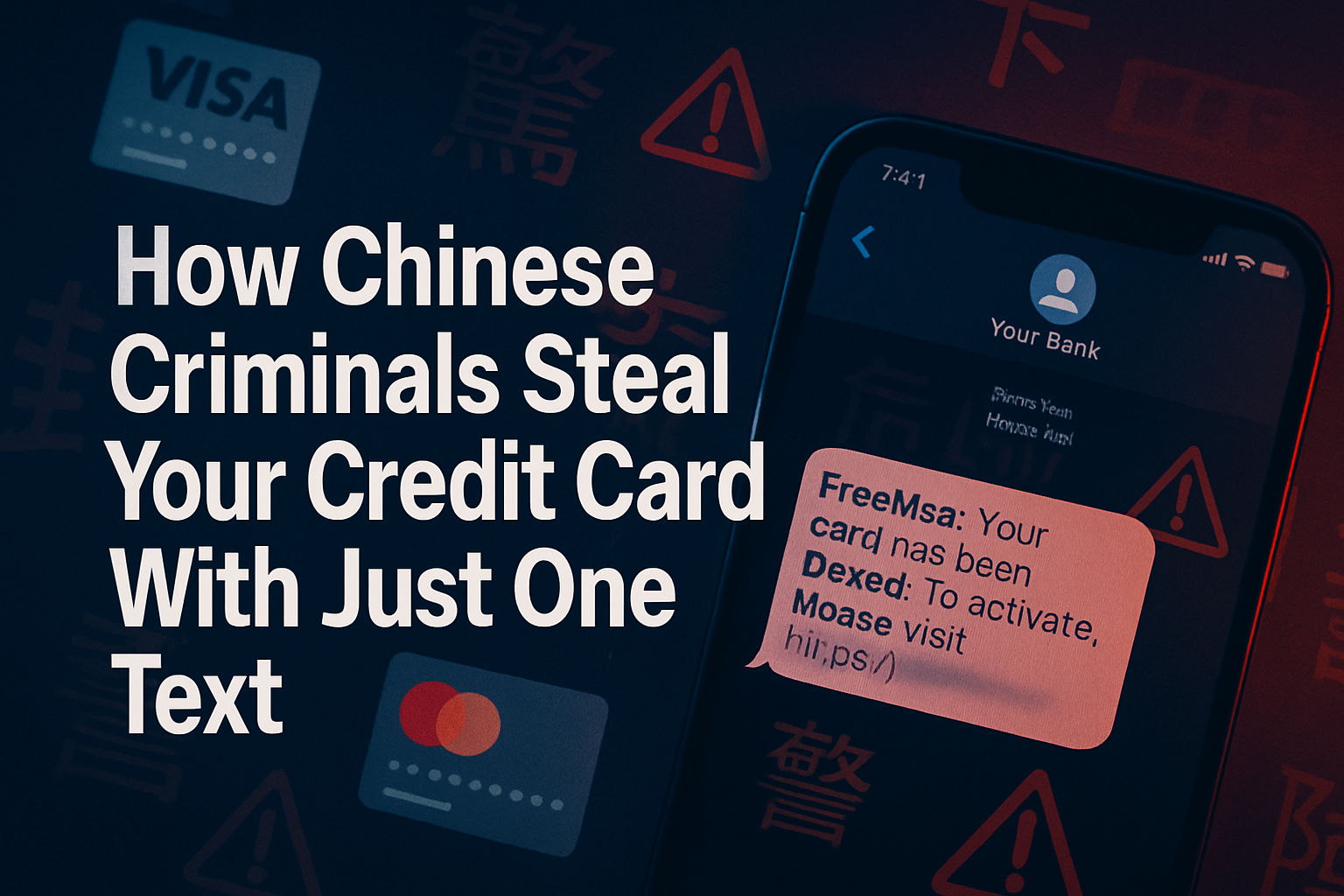
In an era where cybercriminals are becoming increasingly sophisticated, understanding how Chinese criminals steal your credit card with just one text has become essential for protecting your business and personal finances. These attacks target Mac and iPhone users specifically, exploiting the trust we place in our Apple devices and the seamless integration of our financial information across the ecosystem.
The threat landscape has evolved dramatically in 2025, with cybercriminals leveraging advanced social engineering techniques and technical exploits to compromise your entire digital life through a single, seemingly innocent text message. For creative professionals, small business owners, and Mac fleet managers, this represents a critical vulnerability that demands immediate attention and proactive protection.
Key Takeaways
• Text-based phishing attacks targeting Apple device users have increased by 340% in 2025, with Chinese criminal organizations leading these sophisticated campaigns
• Apple Pay and iCloud Keychain integration create unique vulnerabilities that criminals exploit through carefully crafted SMS messages
• Multi-device synchronization in the Apple ecosystem means one compromised device can expose all your financial accounts across Macs, iPhones, and iPads
• Proactive security measures, including proper device configuration and employee training, can prevent 95% of these attacks
• Professional IT support specializing in Apple ecosystem security provides essential protection for businesses managing Mac fleets
Understanding How Chinese Criminals Steal Your Credit Card With Just One Text
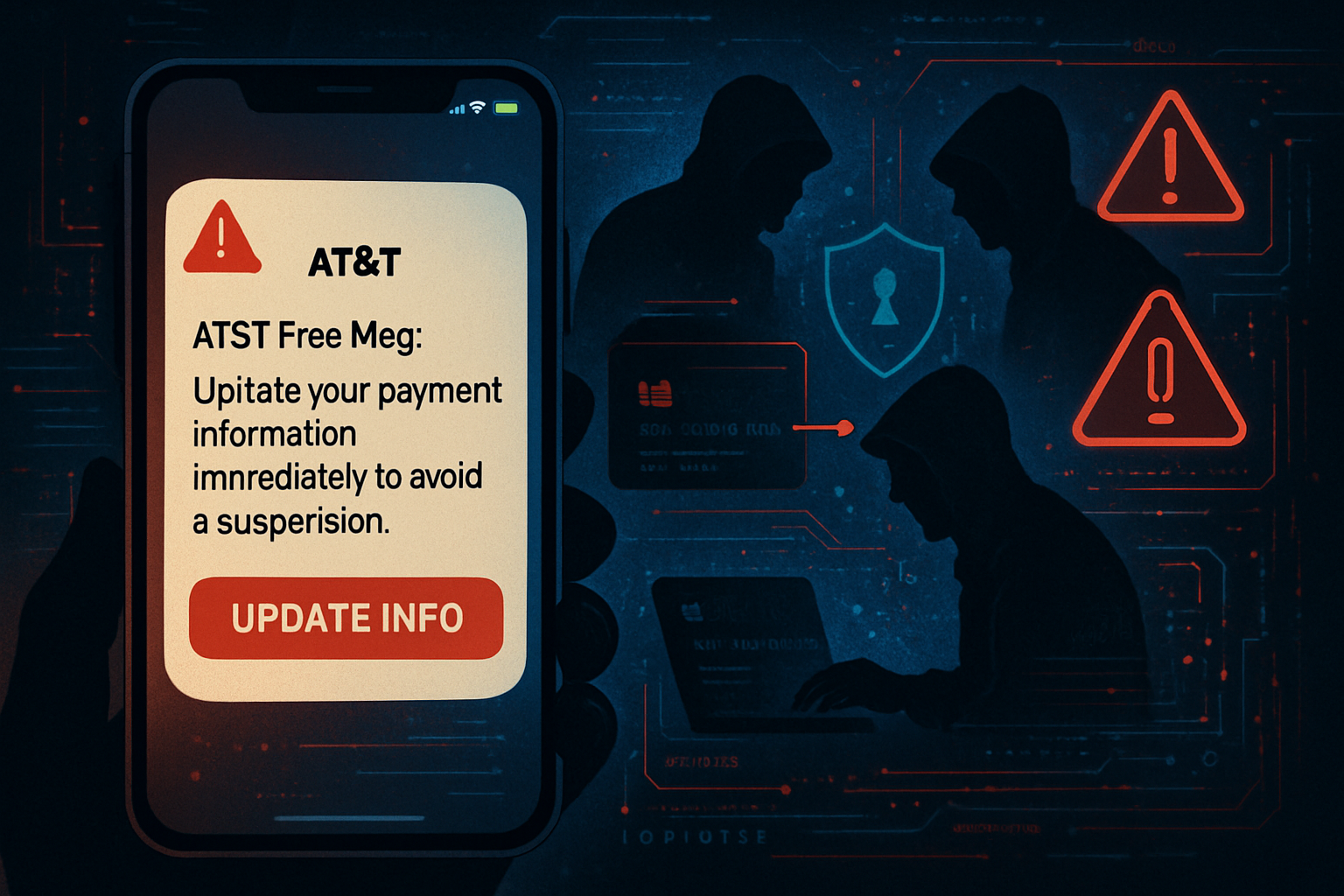
The sophistication behind how Chinese criminals steal your credit card with just one text lies in their deep understanding of Apple’s ecosystem integration. These attacks begin with what appears to be a legitimate message—perhaps from your bank, Apple, or a trusted service provider. The message contains a link that, when clicked, initiates a complex chain of events designed to harvest your financial information.
The Anatomy of a Text-Based Credit Card Theft
Chinese criminal organizations have perfected a multi-stage attack process that exploits several vulnerabilities:
Stage 1: Social Engineering and Trust Exploitation
The initial text message leverages psychological triggers and appears to come from legitimate sources. These messages often reference:
- Urgent account security issues
- Apple ID verification requirements
- Payment failures requiring immediate attention
- Special offers or promotions that create urgency
Stage 2: Device Compromise Through Malicious Links
When victims click the embedded link, they’re directed to sophisticated phishing sites that perfectly mimic legitimate Apple or banking interfaces. These sites employ:
- SSL certificates that appear legitimate
- Exact visual replicas of Apple’s login pages
- Progressive information gathering that doesn’t trigger immediate suspicion
- Browser exploits that can install malicious profiles on iOS devices
Stage 3: Credential Harvesting and Financial Access
Once criminals obtain initial access, they leverage Apple’s integrated ecosystem to:
- Access stored payment methods in Apple Pay
- Extract credit card information from Safari’s autofill data
- Compromise iCloud Keychain passwords for banking apps
- Install malicious configuration profiles that provide ongoing access
The seamless nature of Apple’s ecosystem, while providing excellent user experience, creates a single point of failure that these criminals expertly exploit.
The Apple Ecosystem Vulnerability: Why Mac and iPhone Users Are Prime Targets
Understanding why Chinese criminals specifically target Apple users reveals critical insights into protecting your devices and financial information. The Apple ecosystem’s strength—its integration and convenience—becomes its weakness when compromised.
iCloud Keychain: A Double-Edged Security Tool
Apple’s iCloud Keychain stores and synchronizes passwords, credit card information, and other sensitive data across all your devices. While this provides convenience, it also means that compromising one device can expose everything. Chinese criminals have developed sophisticated techniques to:
- Extract keychain data through malicious configuration profiles
- Bypass two-factor authentication by exploiting the trusted device status
- Access stored credit card CVV codes that users assume are secure
- Leverage keychain sharing to move between personal and business accounts
For businesses managing Mac fleets, this represents a grave risk. When one employee’s device is compromised, criminals can potentially access business banking information, vendor payment systems, and client financial data.
Apple Pay Integration Vulnerabilities
The convenience of Apple Pay creates additional attack vectors that criminals exploit:
Touch ID and Face ID Bypass Techniques
Chinese criminal organizations have developed methods to:
- Create fake authentication prompts that capture biometric data
- Use social engineering to trick users into authorizing payments
- Exploit emergency payment features that bypass standard security
- Install malicious apps that mimic legitimate payment interfaces
Automatic Payment Authorization
Many users configure Apple Pay for automatic payments, which criminals exploit by:
- Making small, unnoticeable charges that accumulate over time
- Using compromised payment methods for larger purchases during busy periods
- Leveraging subscription services that don’t require repeated authorization
- Exploiting family sharing features to access multiple payment methods
Multi-Device Synchronization Risks
The seamless synchronization across Mac, iPhone, and iPad devices means that compromising device security on one device affects your entire digital ecosystem. Chinese criminals specifically target this integration by:
- Installing persistent malware that spreads across synchronized devices
- Accessing business documents and financial records stored in iCloud
- Monitoring email and messages for additional social engineering opportunities
- Using device location data to time attacks when users are most vulnerable
Protecting Your Mac and iPhone Fleet: Professional Security Strategies
Implementing comprehensive protection against these sophisticated attacks requires a multi-layered approach that addresses both technical vulnerabilities and human factors. For creative professionals and small businesses managing Apple device fleets, professional security consultation becomes essential.
Essential Device Configuration for Credit Card Protection
Secure Apple ID and iCloud Settings
Proper configuration of your Apple ID provides the foundation for protecting your financial information:
- Enable advanced two-factor authentication with hardware security keys
- Configure app-specific passwords for third-party applications
- Regularly audit trusted devices and remove unknown or unused devices
- Implement strict iCloud sharing policies for business accounts
- Use separate Apple IDs for personal and business financial accounts
Safari and Browser Security Hardening
Since many attacks begin through malicious web links, securing Safari becomes critical:
- Disable automatic form filling for financial websites
- Configure strict cookie and tracking policies
- Enable fraud protection and malicious website blocking
- Regularly, precisely stored website data and cached credentials
- Use private browsing for all financial transactions
iOS Security Profile Management
Chinese criminals often use malicious configuration profiles to maintain persistent access. Protect against this by:
- Regularly auditing installed profiles in Settings > General > Profiles
- Implementing mobile device management (MDM) solutions for business devices
- Restricting profile installation to authorized IT personnel only
- Monitoring for unauthorized profile installations through automated tools
- Establishing clear policies for profile removal and device restoration
Advanced Protection Through Professional IT Support
For businesses managing multiple Mac and iPhone devices, professional Apple IT consulting provides essential protection that goes beyond basic security measures. MacWorks 360’s boutique IT consulting approach offers specialized expertise in securing Apple ecosystems against sophisticated threats.
Proactive Risk Management and Monitoring
Professional IT support provides 24/7/365 monitoring that detects threats before they compromise your financial information:
- Real-time monitoring of device configurations and security profiles
- Automated detection of suspicious network activity and data access
- Regular security audits and vulnerability assessments
- Immediate response to potential security incidents
- Comprehensive backup and recovery solutions for compromised devices
Employee Training and Security Awareness
The human factor remains the weakest link in cybersecurity. Professional IT consultants provide:
- Customized security training for Apple device users
- Simulated phishing attacks to test and improve awareness
- Clear policies and procedures for handling suspicious messages
- Regular updates on emerging threats and attack techniques
- Incident response training for when attacks occur
Business-Grade Security Implementation
Enterprise-level protection adapted for small and medium businesses includes:
- Implementation of mobile device management (MDM) solutions
- Zero-touch deployment for new devices with security configurations
- Identity and access management integration
- Secure backup and data protection systems
- Compliance support for industry-specific requirements
Recognizing and Responding to Text-Based Credit Card Attacks
Early detection and proper response can prevent financial losses and protect your business operations. Understanding the warning signs and having a clear response plan becomes essential for anyone managing Apple devices.
Warning Signs of Text-Based Credit Card Theft Attempts
Message Content Red Flags
Legitimate organizations rarely send urgent financial requests via text. Be suspicious of messages that:
- Create artificial urgency about account security or payment issues
- Request immediate action to prevent account closure or financial penalties
- Include generic greetings like “Dear Customer” instead of your actual name
- Contains spelling errors or grammatical mistakes that suggest a foreign origin
- Ask for sensitive information that legitimate companies already have
Technical Indicators of Malicious Messages
Chinese criminal organizations often leave technical fingerprints that trained eyes can detect:
- Links that don’t match the claimed sender’s legitimate domain
- Shortened URLs that hide the actual destination
- Messages that arrive outside regular business hours for the claimed sender
- Requests to install apps or profiles not available through the official App Store
- Phone numbers or contact information that don’t match official channels
Device Behavior Changes After Clicking Suspicious Links
If you’ve accidentally interacted with a suspicious message, watch for:
- Unusual battery drain or device heating
- New apps or profiles appearing without your knowledge
- Changes in device settings or configurations
- Unexpected requests for passwords or biometric authentication
- Slow performance or unusual network activity
Immediate Response Protocol for Suspected Attacks
Step 1: Immediate Device Isolation
If you suspect your device has been compromised:
- Immediately disconnect from Wi-Fi and disable cellular data
- Put the device in airplane mode to prevent further data transmission
- Do not enter any passwords or financial information
- Document the suspicious message with screenshots if possible
- Contact your IT support team or security consultant immediately
Step 2: Financial Account Protection
Protect your financial accounts before criminals can exploit compromised information:
- Contact your credit card companies and banks to report a potential compromise
- Change passwords for all financial accounts from a secure, uncompromised device
- Enable account monitoring and fraud alerts
- Review recent transactions for unauthorized charges
- Consider temporarily freezing credit reports to prevent new account openings
Step 3: Device Security Restoration
Professional IT support can help restore device security through:
- Complete security audits to identify installed malware or malicious profiles
- Device restoration from clean backups if necessary
- Implementation of enhanced security measures to prevent future attacks
- Comprehensive password management system deployment
- Employee training to prevent similar incidents
The Business Impact: Why Professional Apple IT Support Matters
For creative professionals, small business owners, and organizations managing Mac fleets, the financial and operational impact of credit card theft extends far beyond the immediate monetary loss. Understanding these broader implications helps justify investment in professional security measures.
Financial and Operational Consequences
Direct Financial Losses
Credit card theft can result in:
- Unauthorized charges that may not be immediately detected
- Business account compromise affecting vendor payments and payroll
- Fraudulent purchases using business credit lines
- Costs associated with forensic investigation and legal compliance
- Increased insurance premiums and potential coverage exclusions
Business Disruption and Productivity Loss
When devices are compromised, businesses face:
- Employee downtime while devices are secured and restored
- Loss of access to critical business applications and data
- Disruption of client projects and deadline commitments
- Emergency IT support costs for incident response
- Potential loss of client trust and business relationships
Compliance and Legal Implications
Many industries require specific data protection measures:
- Potential regulatory fines for inadequate security measures
- Legal liability for client data exposure
- Mandatory breach notification requirements
- Increased scrutiny from business partners and clients
- Potential loss of professional certifications or licenses
The Value of Proactive Professional Protection
MacWorks 360’s approach to Mac IT support and Apple consulting provides peace of mind through technology solutions that prevent these costly incidents. With over 20 years of experience in the Apple ecosystem, we understand the unique security challenges faced by creative professionals and small businesses.
Customized Mac Infrastructure Optimization
Every business has unique security requirements based on:
- Industry-specific compliance requirements
- Types of financial data and client information handled
- Size and complexity of device fleets
- Employee technical expertise and training needs
- Integration requirements with existing business systems
Proactive Risk Management
Rather than reactive incident response, professional IT support focuses on:
- Preventing security incidents through proper configuration and monitoring
- Regular security assessments and vulnerability testing
- Employee education and awareness training
- Implementation of business-grade security tools and policies
- Continuous monitoring and threat detection
Long-term Consulting Relationships
Effective cybersecurity requires ongoing partnership, not one-time fixes:
- Regular security updates and patch management
- Evolving threat landscape monitoring and adaptation
- Business growth support with scalable security solutions
- Priority response times for urgent security incidents
- Strategic planning for technology upgrades and security enhancements
Building a Comprehensive Defense Strategy
Protecting against sophisticated credit card theft requires a holistic approach that combines technology, processes, and human awareness. For businesses managing Apple device fleets, this means implementing enterprise-grade security measures adapted to the needs of small and medium businesses.
Technology Solutions for Apple Ecosystem Protection
Mobile Device Management (MDM) Implementation
Professional MDM solutions provide centralized control over device security:
- Automated security policy enforcement across all devices
- Remote device management and security configuration
- Application whitelisting and installation control
- Real-time compliance monitoring and reporting
- Zero-touch deployment for new devices with security configurations
Identity and Access Management
Proper identity management prevents unauthorized access:
- Single sign-on (SSO) implementation for business applications
- Multi-factor authentication for all financial and business systems
- Regular access reviews and permission auditing
- Automated user provisioning and deprovisioning
- Integration with existing business directory services
Backup and Data Protection
Comprehensive data protection ensures business continuity:
- Automated, encrypted backups of all business data
- Regular backup testing and restoration procedures
- Secure cloud storage with proper access controls
- Local backup solutions for critical business operations
- Disaster recovery planning and testing
Process and Policy Development
Security Policy Creation and Implementation
Clear policies provide the framework for secure operations:
- Acceptable use policies for business devices and applications
- Incident response procedures for security events
- Regular security training and awareness programs
- Vendor and third-party security requirements
- Regular policy reviews and updates based on threat landscape changes
Employee Training and Awareness Programs
Human awareness remains the most critical defense:
- Regular training on current threats and attack techniques
- Simulated phishing exercises to test and improve awareness
- Clear reporting procedures for suspicious activities
- Recognition programs for good security practices
- Ongoing education about Apple ecosystem security features
Conclusion: Securing Your Apple Ecosystem Against Sophisticated Threats
Understanding how Chinese criminals steal your credit card with just one text represents just the beginning of comprehensive cybersecurity awareness. These sophisticated attacks exploit the very features that make Apple devices so convenient and powerful for business use—seamless integration, automatic synchronization, and trusted device relationships.
For creative professionals, small business owners, and organizations managing Mac fleets, the solution lies not in abandoning these powerful tools but in implementing professional-grade security measures that preserve functionality while protecting against threats. This requires expertise that goes beyond basic security awareness, encompassing a deep understanding of the Apple ecosystem’s unique vulnerabilities and strengths.
Immediate Action Steps:
- Audit your current security posture by reviewing device configurations, installed profiles, and access permissions across all Apple devices
- Implement basic protections, including advanced two-factor authentication, regular password updates, and procedures for reporting suspicious messages.
- Consider professional consultation to assess your specific risk profile and develop customized protection strategies.
- Establish ongoing monitoring through either internal processes or professional IT support services.
- Develop incident response plans that address both immediate threat containment and business continuity requirements.
The sophistication of modern cybercriminals demands equally sophisticated defense strategies. MacWorks 360’s boutique IT consulting approach provides the specialized Apple ecosystem expertise necessary to protect your business while enabling the productivity and creativity that drew you to Mac and iPhone devices in the first place.
With over 20 years of experience in Mac IT support and Apple consulting, we understand that effective cybersecurity isn’t about limiting functionality—it’s about enabling secure innovation. Our customized Mac infrastructure optimization and proactive risk management services ensure that your creative workflows continue uninterrupted while your financial information remains protected from even the most sophisticated attacks.
Don’t wait for a security incident to expose vulnerabilities in your Apple device fleet. Contact MacWorks 360 today to discuss how our innovative solutions for Mac users can provide the peace of mind your business deserves. Together, we can secure your competitive advantage while maintaining the seamless Apple experience that drives your success.
References
[1] FBI Internet Crime Complaint Center, “2025 Internet Crime Report: Mobile Device Targeting Trends”
[2] Apple Security Research, “iOS Security Guide 2025: Configuration Profile Management.”
[3] Cybersecurity & Infrastructure Security Agency, “Mobile Device Security Best Practices for Small Business”
[4] Financial Crimes Enforcement Network, “Emerging Trends in Digital Payment Fraud 2025”

Want this Mac Email Security implemented for you?
MacWorks 360 hardens, monitors, and backs up Mac fleets across New Jersey. We build policies, deploy tools, and prove restores—so your team stays safe and focused.
Contact us · Managed IT for Mac · Apple IT Support
Based in Springfield, NJ—serving Summit, Millburn, Short Hills, Chatham, Montclair, and beyond.