
Stop Hackers in Their Tracks: MFA & Passkeys Explained
Every 39 seconds, a cyberattack occurs somewhere in the world, and small businesses are increasingly becoming prime targets. Creative professionals managing Mac fleets, studio owners coordinating iPad workflows, and business leaders overseeing Apple ecosystems face a sobering reality: traditional password protection isn’t enough anymore. Understanding how to stop hackers in their tracks: MFA & passkeys explained has become essential for maintaining business continuity and protecting valuable creative assets.
Key Takeaways
• Multi-factor authentication (MFA) adds critical security layers beyond passwords, reducing breach risk by 99.9%
• Passkeys represent the future of authentication, eliminating password vulnerabilities through biometric verification
• Apple’s ecosystem provides seamless integration of both MFA and passkey technologies across Mac, iPhone, and iPad devices
• Implementation strategies can be tailored for creative teams without disrupting established workflows
• Proactive security measures protect against evolving cyber threats while maintaining user-friendly experiences
The Current State of Cybersecurity Threats
The cybersecurity landscape has fundamentally shifted in 2025. Small businesses and creative agencies now face the same sophisticated attacks previously reserved for large corporations. Hackers target Mac users specifically because of the perceived higher value of data and the often less robust security protocols in enterprise environments.
Recent data breaches have exposed billions of passwords, making traditional authentication methods increasingly unreliable. Creative professionals who store client work, intellectual property, and sensitive project files are desirable targets for cybercriminals.
Why Traditional Passwords Fail
Traditional passwords suffer from fundamental weaknesses:
- Human behavior: People reuse passwords across multiple platforms
- Predictable patterns: Common substitutions (@ for a, 3 for e) are easily cracked
- Storage vulnerabilities: Password databases become single points of failure
- Social engineering: Passwords can be guessed through personal information
The average person manages 100+ online accounts, making it practically impossible to remember unique, complex passwords without assistance. This reality drives poor password hygiene and creates security vulnerabilities that hackers exploit daily.
Understanding Multi-Factor Authentication (MFA)
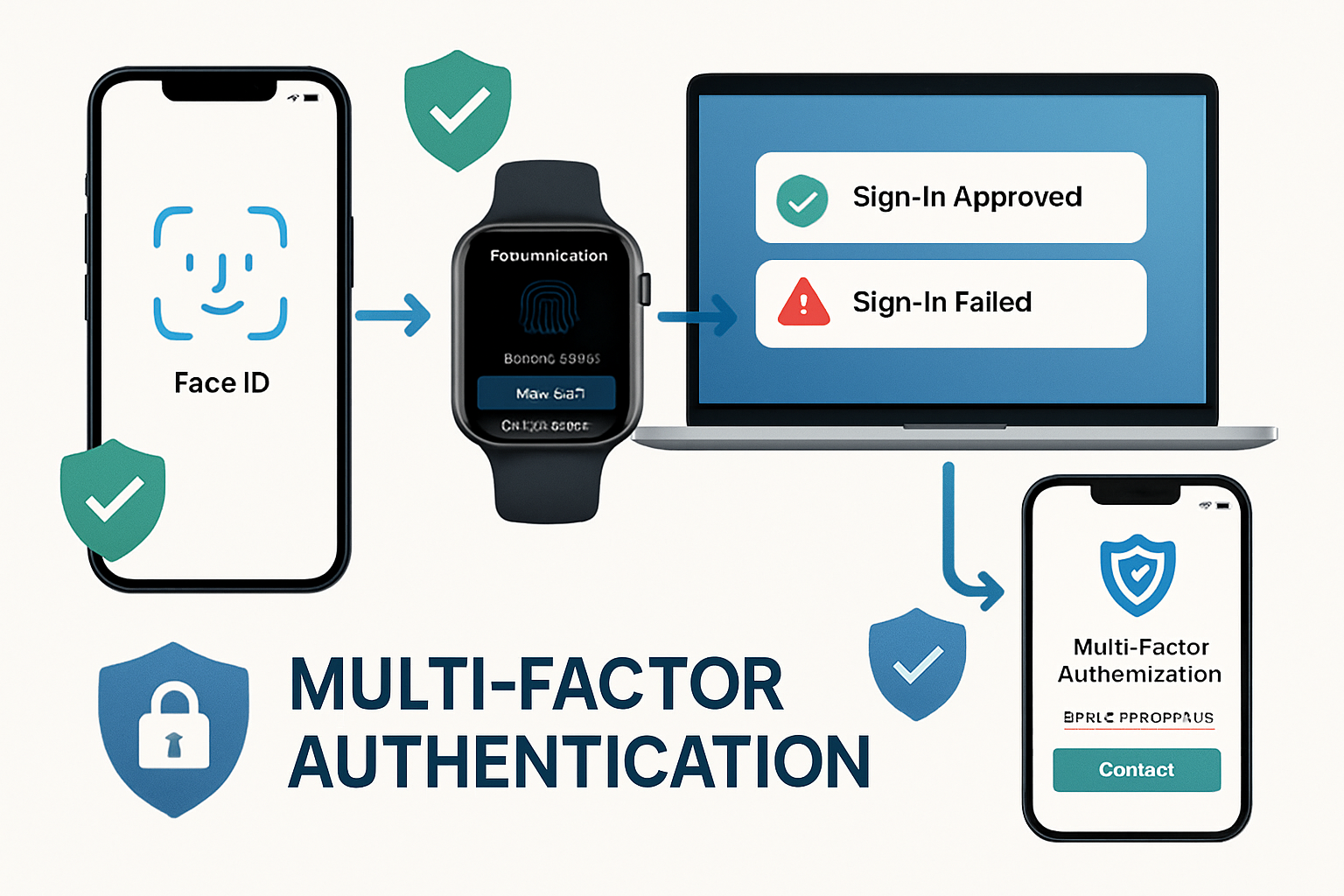
Multi-factor authentication transforms security by requiring multiple verification methods before granting access. Instead of relying solely on “something you know” (a password), MFA incorporates “something you have” (a device) and “something you are” (biometric data).
How MFA Works in Practice
When properly configured, MFA creates multiple security checkpoints:
- Primary authentication: Username and password entry
- Secondary verification: Code from authenticator app or SMS
- Biometric confirmation: Face ID, Touch ID, or fingerprint scan
- Device recognition: Trusted device verification
This layered approach means hackers must compromise multiple authentication factors simultaneously, dramatically increasing attack complexity and reducing success rates.
MFA Implementation for Mac Environments
Apple’s ecosystem provides native MFA support through several mechanisms:
iCloud Keychain Integration
- Syncs authentication across all Apple devices
- Generates and stores verification codes automatically
- Provides seamless cross-device authentication experiences
Apple ID Two-Factor Authentication
- Protects access to iCloud, App Store, and device management
- Uses trusted devices for secondary verification
- Enables remote device wipes and location tracking
Third-Party Authenticator Apps
- Google Authenticator, Authy, and 1Password support
- Time-based one-time passwords (TOTP) generation
- Backup codes for emergency access
For creative teams managing multiple Apple devices, implementing comprehensive security measures becomes crucial for protecting collaborative workflows and client data.
Business Benefits of MFA
Beyond security improvements, MFA provides tangible business advantages:
- Compliance requirements: Many industries mandate MFA for data protection
- Insurance benefits: Cyber liability policies often require MFA implementation
- Client trust: Demonstrates commitment to data security and professionalism
- Remote work enablement: Secure access from any location or device
Stop Hackers in Their Tracks: MFA & Passkeys Explained – The Passkey Revolution
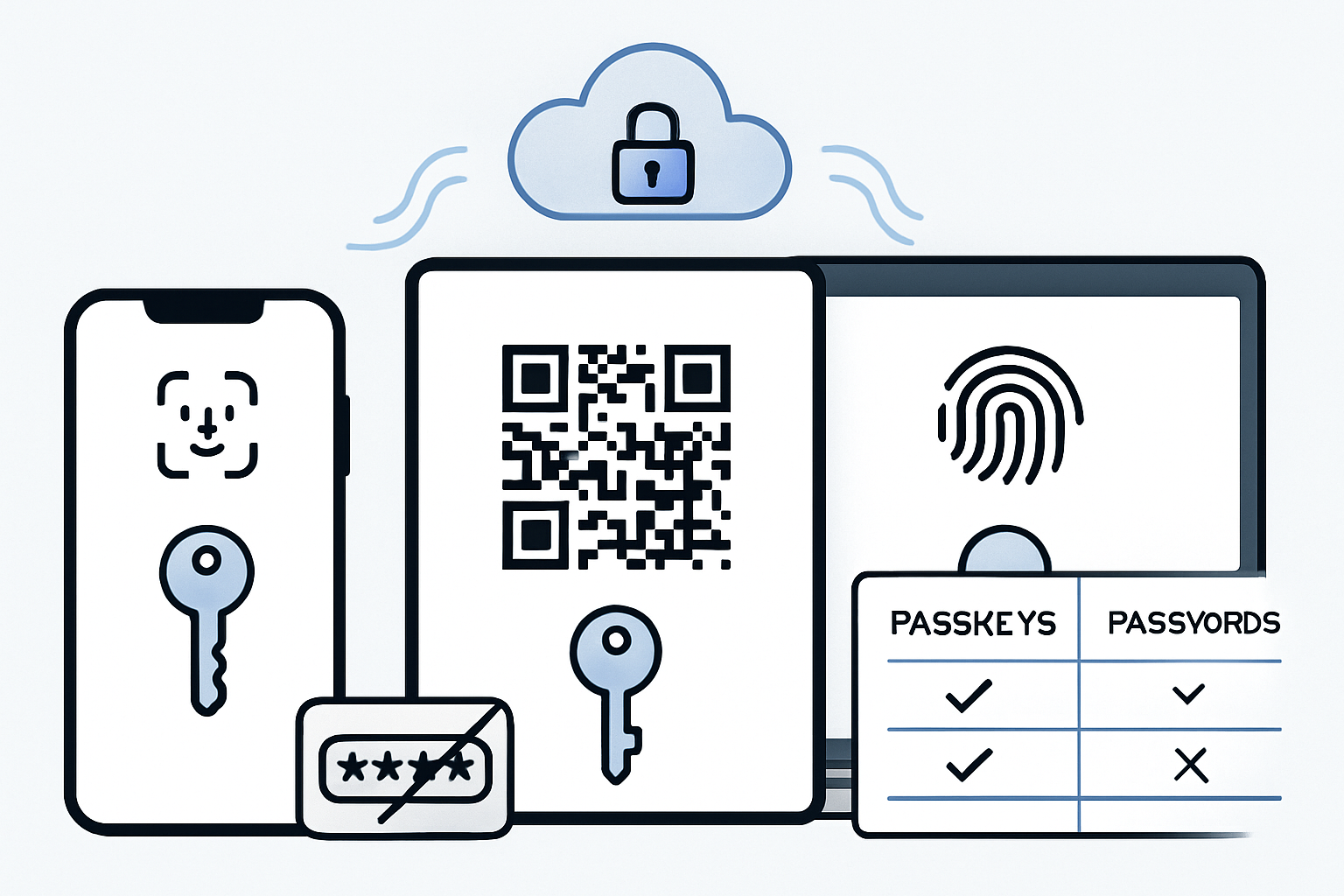
Passkeys represent the most significant authentication advancement in decades, eliminating passwords while providing superior security and user experience. Built on FIDO2 and WebAuthn standards, passkeys use public-key cryptography to create unphishable, unique credentials for every service.
How Passkeys Function
Passkeys operate through asymmetric encryption:
- Key pair generation: The device creates public and private key pairs
- Public key registration: Service stores only the public key
- Authentication request: The service sends a challenge to the device
- Private key signing: Device signs challenge with private key
- Verification: Service verifies signature using stored public key
The private key never leaves the device, making remote attacks impossible. Hackers cannot steal what doesn’t exist on servers.
Apple’s Passkey Implementation
Apple’s passkey system integrates seamlessly across the entire ecosystem:
Cross-Device Synchronization
- iCloud Keychain syncs passkeys across Mac, iPhone, and iPad
- End-to-end encryption protects passkey data in transit and storage
- Automatic backup ensures access continuity
Biometric Authentication
- Face ID and Touch ID provide secure, convenient access
- No memorization required – your face or fingerprint is the key
- Impossible to forget, lose, or share accidentally
Developer Integration
- Native APIs enable easy passkey adoption for app developers
- Web browsers support passkey authentication automatically
- Backward compatibility maintains existing authentication methods
Passkey Advantages for Creative Professionals
Creative teams benefit significantly from passkey adoption:
Workflow Continuity
- No password interruptions during creative sessions
- Instant authentication across design applications
- Seamless collaboration tool access
Enhanced Security
- Protection for valuable creative assets and client work
- Elimination of password-related data breaches
- Reduced risk of account takeovers
Simplified Management
- No password policies to remember or enforce
- Automatic security updates through device management
- Reduced IT support burden for authentication issues
Implementation Strategies for Mac Fleets
Successfully deploying MFA and passkeys across Mac environments requires strategic planning and phased implementation. Creative agencies and small businesses need approaches that enhance security without disrupting productivity.
Phase 1: Assessment and Planning
Current Security Audit
- Inventory all applications and services requiring authentication
- Identify high-risk accounts and prioritize protection
- Document existing password management practices
- Assess team technical comfort levels
Infrastructure Requirements
- Verify device compatibility with modern authentication methods
- Ensure network connectivity supports authentication services
- Plan for backup authentication methods during transitions
Phase 2: MFA Deployment
Critical Account Protection
Start with accounts that pose the highest risk:
- Email and communication platforms
- Cloud storage and file sharing services
- Financial and banking applications
- Client management and project tools
Team Training and Support
- Provide hands-on training sessions for authentication setup
- Create documentation for common authentication scenarios
- Establish support procedures for authentication issues
- Address security awareness and best practices
For businesses that need comprehensive Mac support during security implementations, professional IT consulting services can ensure smooth transitions and maintain operational continuity.
Phase 3: Passkey Migration
Service-by-Service Transition
- Begin with services offering native passkey support
- Maintain MFA as backup during transition periods
- Test passkey functionality across all devices
- Monitor user adoption and address concerns
Legacy System Management
- Maintain strong password policies for unsupported services
- Plan migration timelines as passkey support expands
- Document hybrid authentication approaches
- Prepare for eventual full passkey adoption
Overcoming Common Implementation Challenges
User Resistance and Training
Challenge: Team members comfortable with existing password workflows may resist change.
Solution: Emphasize convenience benefits alongside security improvements. Demonstrate how passkeys eliminate password frustration while providing better protection. Provide adequate training time and support resources.
Device Compatibility Issues
Challenge: Older devices may not support modern authentication methods.
Solution: Develop device upgrade plans prioritizing security-critical roles. Implement hybrid approaches using available authentication methods on legacy devices. Consider device management solutions for comprehensive fleet oversight.
Service Integration Complexity
Challenge: Different services support varying authentication methods and standards.
Solution: Create authentication matrices documenting the supported methods for each service. Prioritize services with comprehensive passkey support. Maintain documentation for team reference during transitions.
Emergency Access Procedures
Challenge: Ensuring access continuity during device failures or emergencies.
Solution: Establish backup authentication methods and recovery procedures. Document emergency access protocols. Maintain secure backup devices for critical team members.
Best Practices for Long-Term Success
Regular Security Reviews
Conduct quarterly assessments of authentication systems:
- Review enabled authentication methods across all services
- Update emergency access procedures and backup codes
- Assess new security threats and recommended countermeasures
- Plan for emerging authentication technologies
Team Education and Awareness
Maintain ongoing security education programs:
- Share updates about new phishing and social engineering tactics
- Provide refresher training on authentication best practices
- Celebrate security milestones and improvements
- Encourage reporting of suspicious activities
Technology Evolution Planning
Stay current with authentication technology developments:
- Monitor passkey adoption across business-critical services
- Plan device refresh cycles considering security capabilities
- Evaluate new authentication methods as they emerge
- Maintain relationships with security-focused IT providers
The Future of Authentication Security
The authentication landscape continues evolving rapidly. Passkeys represent just the beginning of a passwordless future. Emerging technologies such as behavioral biometrics, continuous authentication, and zero-trust architectures will further enhance security while improving user experience.
For creative professionals and small business owners, staying ahead of these developments requires partnerships with knowledgeable IT consultants who understand both security requirements and operational realities. The investment in modern authentication technologies pays dividends by reducing security risks, improving productivity, and enhancing client trust.
Conclusion
Understanding how to stop hackers in their tracks: MFA & passkeys explained has become essential for modern business operations. The combination of multi-factor authentication and passkey technology provides unprecedented security while simplifying user experiences. Creative professionals managing Mac fleets can strategically implement these technologies, protecting valuable assets while maintaining productive workflows.
The transition from traditional password-based authentication to modern security methods requires planning, training, and ongoing support. However, the benefits—enhanced security, improved user experience, and reduced IT management overhead—justify the investment.
Take Action Today:
- Audit your current authentication methods across all business-critical services
- Enable MFA immediately on high-risk accounts like email and financial platforms
- Begin passkey adoption with services offering native support
- Develop implementation timelines for comprehensive security upgrades
- Consider professional IT support for complex Mac fleet management and security implementation
The cybersecurity landscape will only become more challenging. Organizations that proactively adopt modern authentication technologies position themselves for success while protecting against evolving threats. Don’t wait for a security incident to prompt action—implement these protective measures now and secure your competitive advantage through robust cybersecurity practices.
References:
[1] Cybersecurity Ventures. “Global Cybercrime Damages Predicted to Reach $10.5 Trillion Annually by 2025.” 2025.
[2] Microsoft Security Intelligence. “Multi-Factor Authentication Effectiveness Study.” 2025.
[3] FIDO Alliance. “Passkey Adoption and Implementation Guidelines.” 2025.
[4] Apple Inc. “Security and Privacy Features in Apple Business Environments.” 2025.

Want this Mac Email Security implemented for you?
MacWorks 360 hardens, monitors, and backs up Mac fleets across New Jersey. We build policies, deploy tools, and prove restores—so your team stays safe and focused.
Contact us · Managed IT for Mac · Apple IT Support
Based in Springfield, NJ—serving Summit, Millburn, Short Hills, Chatham, Montclair, and beyond.