
What is a Passkey? Simplifying Authentication on Mac and iOS Users
Imagine never having to remember another password again. No more sticky notes with cryptic combinations, no more “forgot password” emails, and no more security breaches because someone guessed your pet’s name followed by “123.” What is a passkey? It’s Apple’s revolutionary approach to authentication that’s transforming how creative professionals, small business owners, and Mac users secure their digital lives in 2025.
Key Takeaways
• Passkeys replace traditional passwords with biometric authentication using Touch ID, Face ID, or device PINs for enhanced security
• Apple’s ecosystem integration makes passkeys seamless across iPhone, iPad, and Mac devices with automatic syncing via iCloud Keychain
• Enhanced security benefits include protection against phishing attacks, data breaches, and password-based vulnerabilities
• Simple implementation requires minimal setup while providing enterprise-level security for small businesses and creative studios
• Future-proof authentication eliminates password management headaches while strengthening your digital security posture
Understanding Passkey Technology: What is a Passkey and How Does It Work?
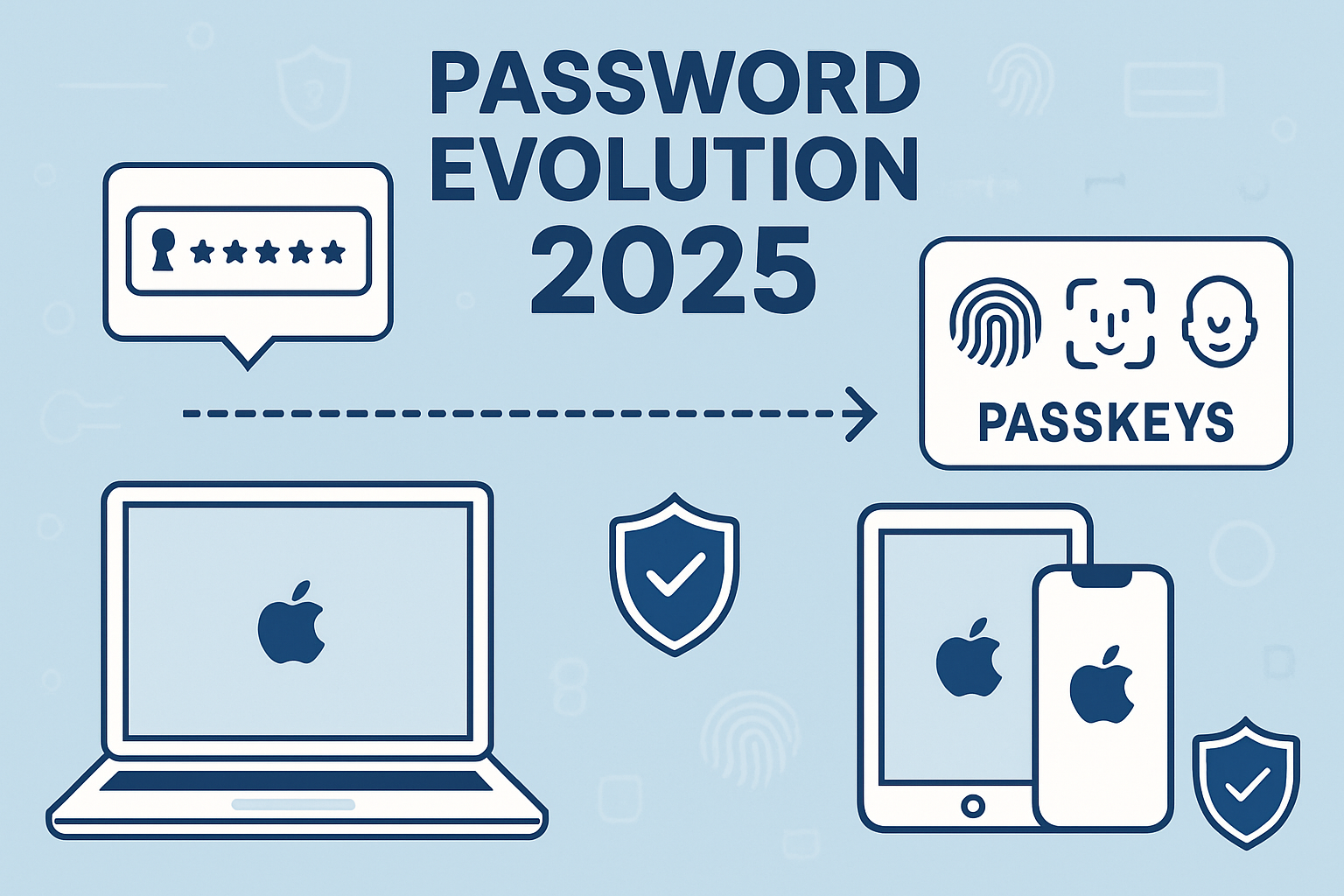
What is a passkey? At its core, a passkey is a cryptographic credential that replaces traditional passwords with secure, device-based authentication. Unlike passwords that rely on something you know (and can forget or have stolen), passkeys use something you are (biometrics) or something you have (your trusted device).
When you create a passkey, your device generates a unique cryptographic key pair. The private key stays securely on your device—never transmitted or stored on servers—while the public key is shared with the service you’re authenticating to. This fundamental difference makes passkeys virtually immune to the data breaches that have compromised billions of passwords in recent years.
The Technical Foundation
Passkeys are built on the FIDO (Fast Identity Online) Alliance standards, specifically FIDO2 and WebAuthn protocols. These industry standards ensure compatibility across platforms while maintaining the highest security levels. For Mac users, this means seamless integration with:
- Touch ID on MacBooks and Magic Keyboards
- Face ID on iPhones and iPads
- Device passcodes as backup authentication methods
- iCloud Keychain for secure synchronization across devices
The beauty of this system lies in its simplicity for end users while providing enterprise-grade security. When you attempt to sign in to a website or app, instead of typing a password, you authenticate with your fingerprint, face, or device PIN. Your device then uses the stored private key to prove your identity without ever exposing sensitive information.
Why Traditional Passwords Are Failing
Traditional password systems face fundamental security challenges that passkeys elegantly solve:
Password Reuse: Studies show 65% of people reuse passwords across multiple accounts, creating cascading security risks
Phishing Vulnerability: Even strong passwords can’t protect against sophisticated phishing attacks that trick users into entering credentials on fake websites
Server-Side Storage: Passwords stored on company servers become targets for hackers, as evidenced by numerous high-profile breaches
Human Memory Limitations: Complex password requirements often lead to predictable patterns or insecure storage methods
For creative professionals managing multiple client accounts, software licenses, and cloud services, these password challenges create both security risks and productivity bottlenecks. Passkeys eliminate these issues entirely by removing passwords from the equation.
Implementing Passkeys in Your Mac Ecosystem: What is a Passkey Setup Process?
What is the passkey setup process for Mac users? The implementation is surprisingly straightforward, designed with Apple’s characteristic focus on user experience. The process leverages existing security features you’re already familiar with while adding a new layer of protection.
Setting Up Passkeys on Your Devices
The setup process varies slightly depending on your device, but the core principles remain consistent across the Apple ecosystem:
On iPhone and iPad (iOS 16+ and iPadOS 16+):
- Navigate to Settings > Passwords
- Authenticate with Face ID, Touch ID, or your device passcode
- Look for websites offering “Sign in with passkey” options
- Follow the prompts to create your first passkey
- Your device will generate and store the cryptographic keys automatically
On Mac (macOS Ventura and later):
- Open System Settings > Passwords
- Authenticate with Touch ID or your user password
- Visit supported websites in Safari
- Choose “Create a passkey” when prompted during account creation or login
- Confirm with Touch ID or your system password
iCloud Keychain Integration
One of the most potent aspects of Apple’s passkey implementation is its seamless integration with iCloud Keychain. This means passkeys created on one device automatically sync to all your Apple devices signed in with the same Apple ID. For small business owners managing multiple devices, this creates a unified security experience without additional complexity.
Synchronization happens in real time, so a passkey created on your iPhone is immediately available on your Mac and iPad. This cross-device functionality is particularly valuable for creative professionals who might start a project on their iPad and finish it on their Mac.
Business Implementation Considerations
For small businesses and creative studios, implementing passkeys requires strategic planning to ensure smooth adoption across teams:
Device Management: Ensure all team devices support passkey functionality. This typically means:
- iOS 16+ for iPhones and iPads
- macOS Ventura+ for Macs
- Updated versions of Safari and other supporting browsers
Account Strategy: Develop a clear policy for which accounts should use passkeys first. Prioritize:
- High-value accounts (banking, primary email, cloud storage)
- Frequently accessed business applications
- Client-facing platforms and project management tools
Backup Planning: While passkeys are more secure than passwords, having a recovery strategy remains essential. This might include maintaining secure backup authentication methods and ensuring multiple team members can access critical business accounts.
Troubleshooting Common Setup Issues
Even with Apple’s streamlined implementation, users occasionally encounter setup challenges:
Browser Compatibility: While Safari offers the best passkey experience on Mac, other browsers may have varying levels of support. For optimal functionality, use Safari when setting up passkeys for the first time.
iCloud Sync Delays: Occasionally, passkeys may take a few minutes to sync across devices. If a passkey isn’t immediately available on all devices, wait a few minutes and check your internet connection.
Legacy Account Integration: Some older accounts may require additional verification steps when transitioning from passwords to passkeys. This is a security feature, not a bug, ensuring account ownership during the transition.
For businesses experiencing technical challenges during implementation, working with experienced Mac IT consultants can ensure smooth deployment without disrupting daily operations.
Security Benefits and Business Impact: What is a Passkey’s Value Proposition?
What is a passkey’s value proposition for businesses and creative professionals? The security benefits extend far beyond simple convenience, offering tangible protection against the most common cyber threats while improving operational efficiency.
Enhanced Security Architecture
Passkeys provide multiple layers of security that traditional passwords cannot match:
Cryptographic Protection: Each passkey uses public-key cryptography, making it mathematically infeasible for attackers to reverse-engineer or guess credentials. The private key never leaves your device, eliminating the risk of server-side breaches exposing your authentication credentials.
Phishing Immunity: Perhaps most importantly for business users, passkeys are inherently resistant to phishing attacks. Since passkeys are tied to specific domains, they won’t work on fake websites designed to steal credentials. This protection is particularly valuable for creative professionals who often receive sophisticated phishing emails targeting their client relationships and project files.
Biometric Verification: By requiring Touch ID, Face ID, or device passcodes, passkeys ensure that even if someone gains physical access to your device, they cannot authenticate without your biometric data or knowledge of your device PIN.
Business Continuity Benefits
For small businesses and creative studios, passkeys offer significant operational advantages:
Reduced IT Support Burden: Password resets and account lockouts represent a significant portion of IT support requests. Passkeys eliminate these issues, allowing teams to focus on productive work rather than authentication problems.
Improved Client Security: Creative professionals handling sensitive client data can offer enhanced security assurances. Clients increasingly expect robust data protection, and the implementation of passkeys demonstrates a commitment to security best practices.
Streamlined Onboarding: New team members can quickly gain secure access to necessary systems without the complexity of password policies and rotation schedules. The familiar biometric authentication feels natural to users already comfortable with unlocking their devices.
Cost-Benefit Analysis for Small Businesses
The financial impact of implementing passkeys extends beyond direct security costs:
| Traditional Password Costs | Passkey Benefits |
|---|---|
| Password reset support tickets | Eliminated authentication issues |
| Security training for complex passwords | Intuitive biometric authentication |
| Potential breach remediation costs | Significantly reduced attack surface |
| Productivity lost to forgotten passwords | Seamless, fast authentication |
Quantifiable Security Improvements: Research indicates that passkeys reduce account takeovers by up to 99% compared to traditional passwords. For businesses handling client data, intellectual property, or financial information, this risk reduction translates directly to reduced liability and insurance considerations.
Integration with Existing Security Practices
Passkeys complement rather than replace comprehensive security strategies. They work particularly well alongside:
Two-Factor Authentication: While passkeys provide strong authentication on their own, they can be combined with additional factors for ultra-high-security applications.
Device Management: For businesses using Mobile Device Management (MDM) solutions, passkeys integrate seamlessly with existing device policies and restrictions.
Backup and Recovery: Passkeys should be part of a broader data protection strategy that includes regular backups and disaster recovery planning.
Real-World Implementation Success
Creative agencies implementing passkeys report several immediate benefits:
- 30-50% reduction in authentication-related support requests
- Improved client confidence in data security practices
- Faster project access for team members working across multiple devices
- Reduced security training requirements for new employees
These improvements are particularly pronounced for businesses that previously struggled with password policies and user compliance. The intuitive nature of biometric authentication removes the friction that often leads to insecure workarounds.
Future-Proofing Your Digital Security Strategy
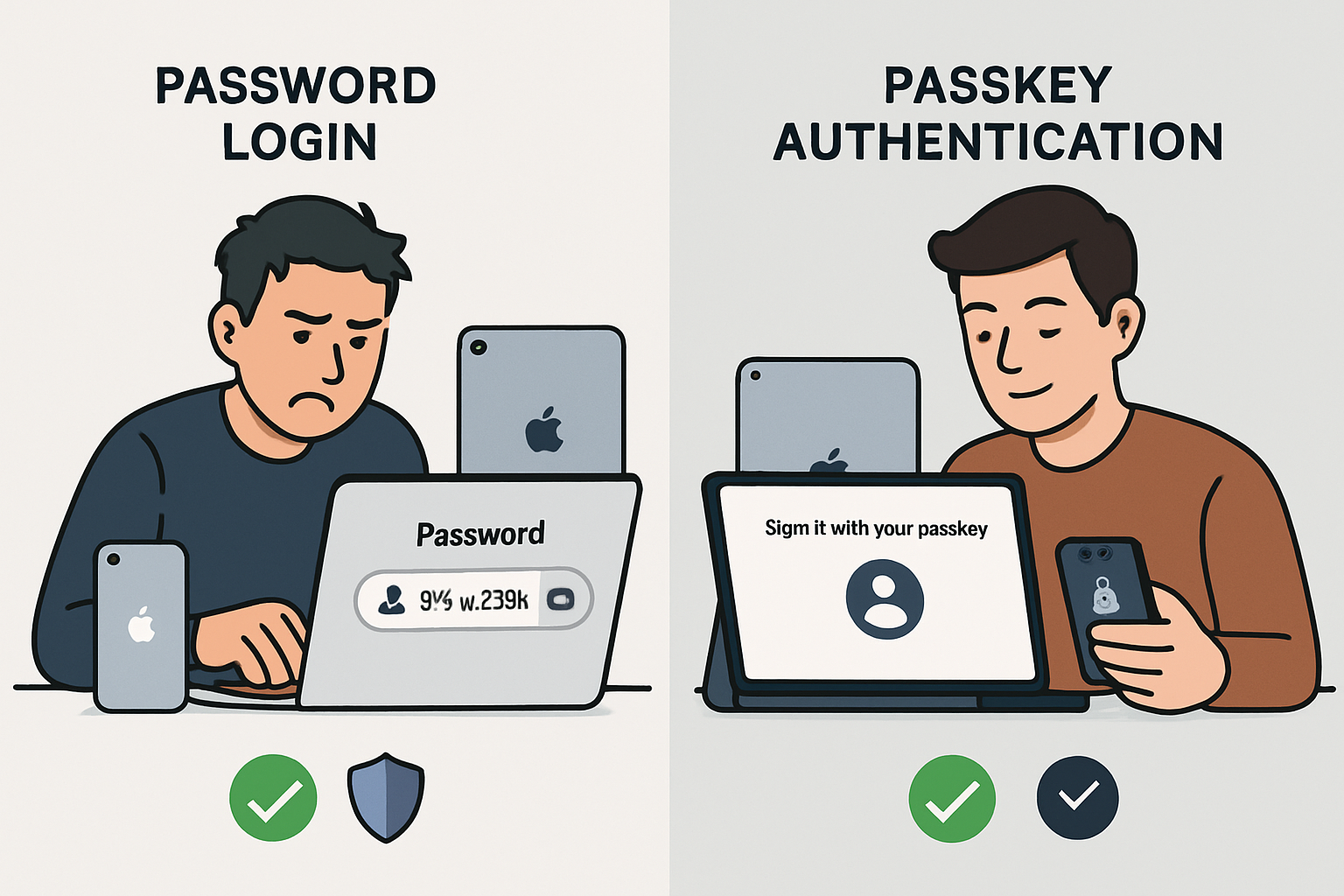
As we move further into 2025, passkeys represent more than just a password replacement—they’re a fundamental shift toward more secure, user-friendly authentication. For Mac users, creative professionals, and small businesses, understanding and implementing passkey technology isn’t just about staying current with trends; it’s about building a security foundation that will serve your business for years to come.
The transition to passwordless authentication aligns with broader industry movements toward zero-trust security models and privacy-first design. Apple’s commitment to passkey technology, demonstrated through continuous operating system improvements and expanded developer support, ensures that early adopters will benefit from ongoing enhancements and broader ecosystem support.
Planning Your Passkey Migration
Successful passkey implementation requires thoughtful planning, especially for businesses with complex authentication needs:
Phase 1: Assessment and Preparation
- Audit current password usage across business applications
- Identify high-priority accounts for initial passkey implementation
- Ensure all devices meet minimum system requirements
- Develop user training materials and support procedures
Phase 2: Gradual Implementation
- Begin with personal accounts and low-risk applications
- Gradually expand to business-critical systems
- Monitor user adoption and address technical challenges
- Document lessons learned and refine processes
Phase 3: Full Deployment and Optimization
- Complete migration of supported accounts to passkeys
- Establish ongoing security monitoring and maintenance procedures
- Integrate passkey policies with broader security frameworks
- Plan for future technology updates and expansions
For businesses seeking expert guidance through this transition, partnering with experienced Mac IT consultants can ensure smooth implementation while maintaining business continuity. The investment in proper planning and support pays dividends in improved security posture and reduced operational friction.
Conclusion
What is a passkey? It’s more than just a password replacement—it’s a paradigm shift toward more secure, efficient, and user-friendly authentication that aligns perfectly with Apple’s emphasis on a seamless user experience and robust security.
For creative professionals, small business owners, and Mac users, passkeys offer immediate benefits: enhanced security against phishing and data breaches, elimination of password management headaches, and seamless authentication across all Apple devices. The technology leverages familiar biometric authentication methods while providing enterprise-grade security that scales with your business needs.
The implementation process, while requiring some initial planning, is designed to be intuitive and non-disruptive. By starting with high-priority accounts and gradually expanding passkey usage, businesses can realize security benefits while maintaining operational continuity.
As cyber threats continue to evolve and password-based attacks remain prevalent, passkeys represent a proactive investment in your digital security infrastructure. The technology’s foundation in industry standards and Apple’s commitment to ongoing development ensure that early adopters will benefit from continued improvements and expanded compatibility.
Ready to strengthen your Mac security with passkey implementation? MacWorks 360’s team of Apple specialists can guide your business through a seamless transition to passwordless authentication. With over 20 years of Mac expertise, we provide customized security solutions that protect your creative work while enabling smoother workflows. Contact us today to discuss how passkeys can enhance your business security posture without adding complexity to your daily operations.
References
[1] FIDO Alliance. (2024). “FIDO2 and WebAuthn Standards Documentation.” FIDO Alliance Technical Specifications.
[2] Apple Inc. (2024). “Passkeys Implementation Guide.” Apple Developer Documentation.
[3] Cybersecurity and Infrastructure Security Agency. (2024). “Multi-Factor Authentication Best Practices.” CISA Security Guidelines.
[4] National Institute of Standards and Technology. (2024). “Digital Identity Guidelines.” NIST Special Publication 800-63B.

Want this Mac Email Security implemented for you?
MacWorks 360 hardens, monitors, and backs up Mac fleets across New Jersey. We build policies, deploy tools, and prove restores—so your team stays safe and focused.
Contact us · Managed IT for Mac · Apple IT Support
Based in Springfield, NJ—serving Summit, Millburn, Short Hills, Chatham, Montclair, and beyond.