
Your Address Is Online… Here’s How to Fix That!
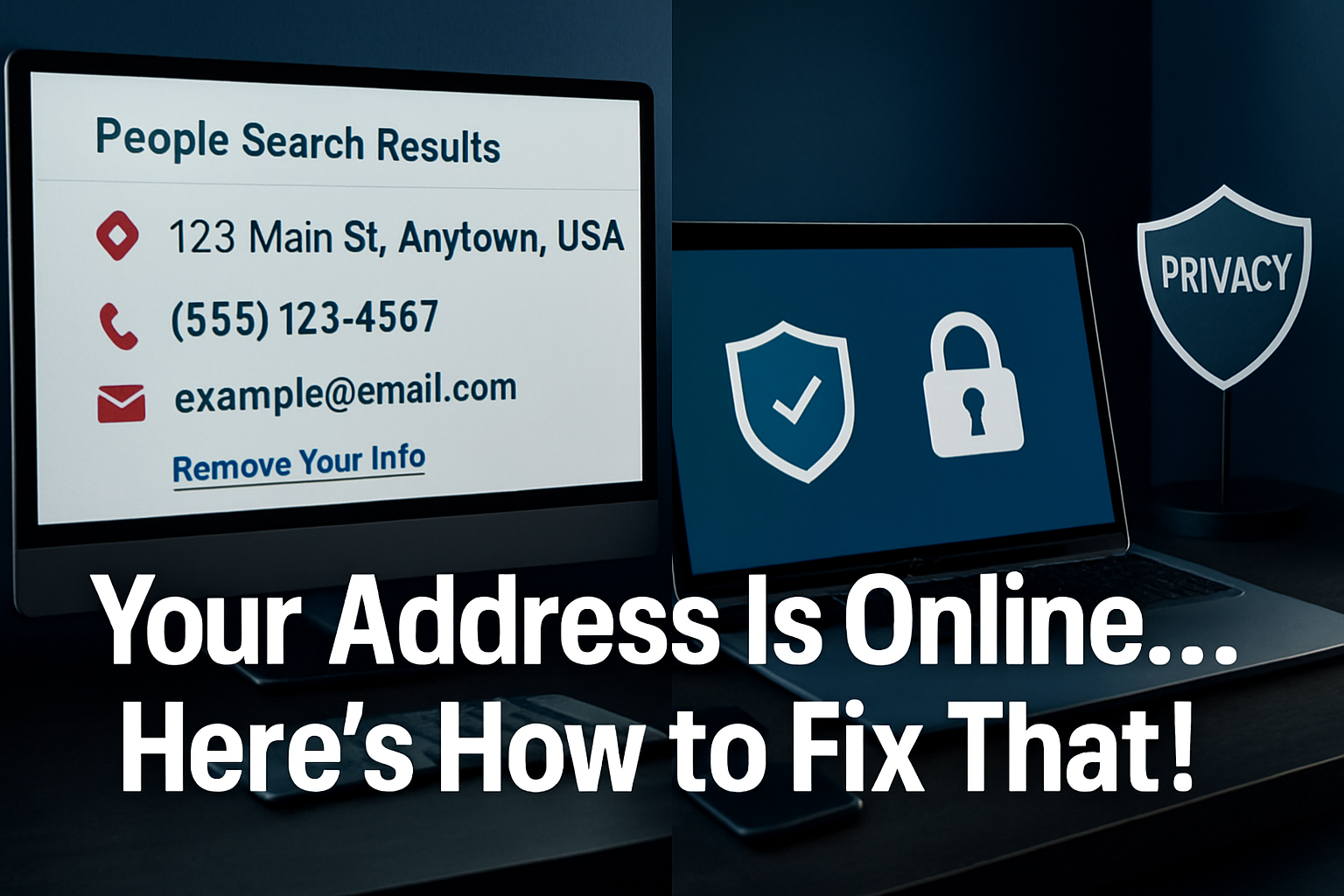
In today’s digital landscape, your home address isn’t just printed on mail anymore—it’s scattered across dozens of websites, accessible to anyone with an internet connection. Your address is online… here’s how to fix that! This comprehensive guide reveals the shocking truth about address exposure and provides Mac users with practical solutions to reclaim their privacy and secure their personal information.
Key Takeaways
• Your personal address is likely exposed on multiple data broker websites without your consent, creating security and privacy risks
• Mac users have specific tools and built-in privacy features that can help protect and remove personal information from online databases
• Proactive privacy management requires ongoing monitoring and systematic removal requests to data brokers
• Professional IT consulting can streamline privacy protection while maintaining business productivity and security
• Implementing comprehensive digital security measures protects not just addresses but entire personal and business data ecosystems
The Hidden Reality: Your Address Is Online… Here’s How to Fix That!
Most Mac users remain unaware that their home addresses appear on countless websites, from data broker platforms to people-search engines. These sites collect information from public records, social media, and commercial databases, creating detailed profiles that include not just addresses but phone numbers, family members, and property values.
The scope of this exposure is staggering. Major data brokers like Whitepages, Spokeo, BeenVerified, and Intelius maintain profiles on virtually every American adult. For creative professionals and small business owners who work from home, this exposure creates particular vulnerabilities—clients, competitors, and potential threats can easily locate personal residences.
“We’ve seen creative studio leaders discover their home addresses listed on over 40 different websites, complete with property photos and family information. This level of exposure creates real security risks for professionals who value their privacy.” – MacWorks 360 Privacy Consulting
The implications extend beyond personal discomfort. Address exposure can lead to:
- Physical security risks for high-profile creative professionals
- Unwanted solicitation and marketing targeting home addresses
- Identity theft opportunities, when combined with other exposed data
- Professional reputation concerns when personal and business boundaries blur
- Family safety issues, particularly for those with public-facing careers
Understanding this reality represents the first step toward reclaiming digital privacy and implementing comprehensive security measures that protect both personal and professional information.
Why Your Personal Information Appears Online
Data brokers operate sophisticated collection systems that aggregate information from multiple sources, creating comprehensive profiles without individual consent. These companies profit by selling access to personal information, making privacy protection a constant challenge for Mac users and creative professionals.
Primary Data Collection Sources
Public Records Mining
Government databases provide rich information sources, including:
- Property ownership records
- Voter registration files
- Court documents and legal filings
- Professional licensing databases
- Marriage and divorce records
Social Media Harvesting
Platforms inadvertently expose location data through:
- Check-ins and location tags
- Profile information and bio details
- Photo metadata containing GPS coordinates
- Friend networks and relationship mapping
- Public posts mentioning addresses or neighborhoods
Commercial Database Purchases
Businesses regularly sell customer information, including:
- Retail purchase histories with shipping addresses
- Subscription service records
- Warranty registrations and product purchases
- Survey responses and contest entries
- Credit applications and financial services
Web Scraping Operations
Automated systems continuously crawl websites, collecting:
- Contact information from business directories
- Real estate listings and property websites
- Professional networking profiles
- Online reviews and testimonials
- Public-facing contact pages
The interconnected nature of these sources means that removing information from one location doesn’t prevent it from reappearing in other databases. This reality necessitates comprehensive privacy strategies that address multiple exposure points simultaneously.
For Mac users managing creative businesses, understanding these collection methods helps identify potential exposure sources and implement proactive protection measures before information spreads across multiple platforms.
Immediate Steps to Remove Your Address from Online Databases
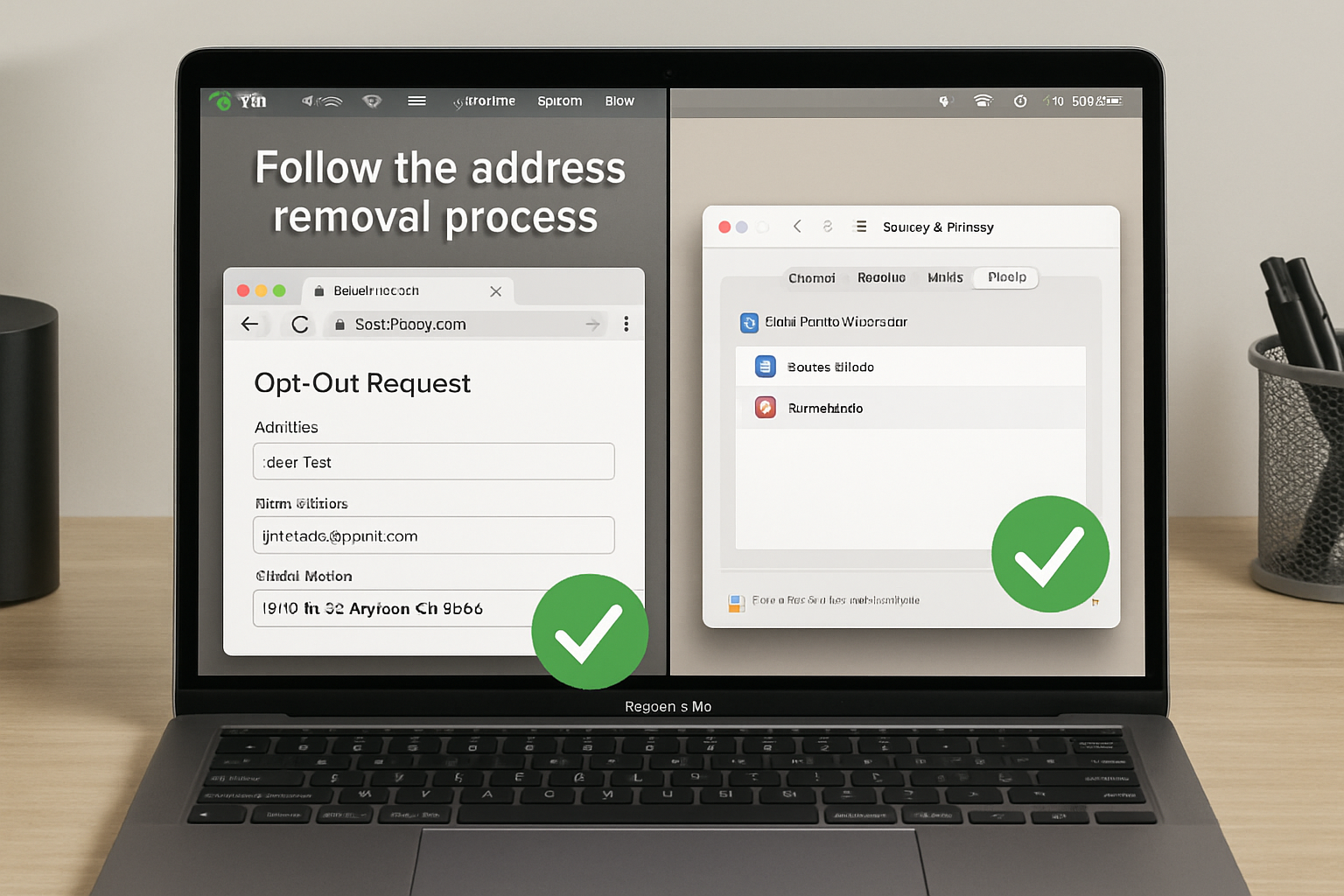
Taking control of online address exposure requires systematic action across multiple platforms. Your address is online… here’s how to fix that! The following step-by-step approach helps Mac users efficiently remove personal information from major data broker websites.
Step 1: Conduct a Comprehensive Privacy Audit
Search for Your Information
Using your Mac’s Safari browser with private browsing enabled:
- Search your full name in quotes plus your city
- Try variations including maiden names and nicknames
- Search your phone number and email address
- Check property records and real estate websites
- Review social media privacy settings
Document Exposure Points
Create a spreadsheet tracking:
- Website names and URLs where information appears
- Types of information displayed (address, phone, relatives)
- Screenshot evidence for removal requests
- Removal request dates and confirmation numbers
Step 2: Target Major Data Broker Platforms
Priority Removal List
Focus initial efforts on high-impact sites:
- Whitepages – Visit whitepages.com/suppression_requests
- Spokeo – Use spokeo.com/optout
- BeenVerified – Submit requests at beenverified.com/app/optout/search
- Intelius – Process removals through intelius.com/optout
- PeopleFinder – Access peoplefinder.com/manage
Removal Process Best Practices
- Use your Mac’s built-in screenshot tool (Shift+Cmd+4) to document information before removal
- Create a dedicated email address for privacy-related communications
- Enable two-factor authentication on accounts created during removal processes
- Keep detailed records of all removal requests and confirmations
Step 3: Leverage Mac-Specific Privacy Tools
Safari Privacy Features
Configure Safari for enhanced privacy protection:
- Enable “Prevent cross-site tracking” in Safari preferences
- Turn on “Hide IP address from trackers.”
- Configure “Privacy Report” to monitor tracking attempts
- Use “Private Browsing” for all privacy-related searches
System-Level Privacy Controls
Optimize macOS privacy settings:
- Review Location Services in System Preferences > Security & Privacy
- Disable analytics sharing in Privacy > Analytics & Improvements
- Configure Spotlight Search to exclude personal files from Siri suggestions
- Enable FileVault encryption for comprehensive data protection
The latest macOS security features provide enhanced privacy controls that complement manual removal efforts, creating layered protection against information exposure.
Advanced Privacy Protection Strategies for Mac Users
Beyond basic removal requests, Mac users can implement sophisticated privacy protection systems that prevent future exposure while maintaining productivity and professional functionality. These advanced strategies create comprehensive digital security ecosystems tailored to creative professionals and small business environments.
Professional VPN Configuration
Business-Grade VPN Selection
Choose VPN services that support Mac-specific features:
- Native macOS integration with Keychain password management
- Split tunneling capabilities for selective traffic routing
- Kill switch protection prevents data leaks during connection drops
- Multiple server locations for geographic privacy flexibility
Optimal VPN Configuration
Configure VPN settings for maximum privacy:
- Enable automatic connection on untrusted networks
- Route all DNS queries through VPN servers
- Disable IPv6 to prevent potential leaks
- Configure custom DNS servers (1.1.1.1 or 8.8.8.8) for enhanced privacy
Email Privacy and Communication Security
Secure Email Practices
Implement email strategies that minimize exposure:
- Create separate email addresses for different purposes (business, personal, privacy requests)
- Use alias services like Apple’s Hide My Email feature
- Configure the Mail app with enhanced privacy settings
- Enable two-factor authentication on all email accounts
Professional Communication Tools
Leverage Mac-compatible secure communication platforms:
- Signal for encrypted messaging
- ProtonMail for secure email communications
- Encrypted cloud storage for sensitive document sharing
- Professional contact management systems with privacy controls
Social Media Privacy Optimization
Platform-Specific Privacy Settings
Systematically review and configure:
- Facebook privacy settings – Limit public profile information and search visibility
- LinkedIn professional profiles – Control information sharing with third parties
- Instagram location services – Disable automatic location tagging
- Twitter data sharing – Opt out of advertising data collection
Content Audit and Cleanup
Regularly review and remove:
- Posts containing location information or address references
- Photos with embedded GPS metadata
- Check-ins and location-based posts
- Public comments that might reveal personal information
The comprehensive approach to digital security requires ongoing attention and systematic implementation across all digital touchpoints.
Ongoing Monitoring and Maintenance
Privacy protection isn’t a one-time effort—it requires ongoing monitoring and proactive maintenance to prevent information from reappearing. Your address is online… here’s how to fix that! Establishing systematic monitoring processes ensures long-term privacy protection for Mac users and creative professionals.
Automated Monitoring Systems
Google Alerts Configuration
Set up comprehensive monitoring:
- Create alerts for your full name in various combinations
- Monitor your address, phone number, and email
- Set alerts for business names and professional aliases
- Configure weekly digest emails to avoid alert fatigue
Professional Monitoring Services
Consider subscription-based privacy monitoring:
- DeleteMe – Automated removal from major data brokers
- PrivacyDuck – Manual removal service with ongoing monitoring
- Reputation.com – Comprehensive online reputation management
- IDX Privacy – Identity protection with privacy monitoring
Regular Privacy Audits
Monthly Privacy Checkups
Establish routine privacy maintenance:
- Search for personal information using various search engines
- Review social media privacy settings for any platform updates
- Check data broker websites for information reappearance
- Audit app permissions on Mac and iOS devices
Quarterly Deep Audits
Conduct comprehensive privacy reviews:
- Analyze digital footprint across all online platforms
- Review and update passwords using strong, unique credentials
- Assess new privacy threats and emerging data collection methods
- Update privacy protection strategies based on new tools and techniques
Business Privacy Integration
Professional Privacy Policies
Develop business practices that protect privacy:
- Client data protection protocols ensure customer information security
- Employee privacy training for team members handling sensitive information
- Vendor privacy assessments when working with third-party services
- Professional communication standards that minimize unnecessary information sharing
Creative Industry Considerations
Address industry-specific privacy challenges:
- Portfolio website privacy – Minimize personal information on professional sites
- Client communication security – Use encrypted channels for sensitive project discussions
- Intellectual property protection – Secure creative works and business information
- Professional networking privacy – Balance visibility with personal information protection
The ongoing evolution of privacy threats requires adaptive strategies that evolve with changing digital landscapes and emerging privacy challenges.
When to Seek Professional IT Consulting
While individual privacy protection efforts provide significant benefits, complex business environments and sophisticated privacy requirements often necessitate professional IT consulting expertise. MacWorks 360’s boutique IT consulting approach offers specialized privacy protection services tailored to Mac-based creative businesses and small enterprises.
Indicators for Professional Privacy Consulting
Business Complexity Factors
Consider professional assistance when experiencing:
- Multiple employee devices requiring coordinated privacy protection
- Client data sensitivity demands enterprise-level security measures
- Regulatory compliance requirements for creative industry standards
- Time constraints are preventing a comprehensive DIY privacy implementation
Technical Complexity Challenges
Professional consulting becomes valuable for:
- Network-level privacy protection requires advanced router and firewall configuration
- Enterprise device management with coordinated privacy policies across Mac fleets
- Advanced threat protection beyond standard consumer privacy tools
- Custom privacy solutions tailored to specific business requirements
MacWorks 360’s Privacy Protection Services
Comprehensive Privacy Auditing
Professional privacy assessment includes:
- Complete digital footprint analysis across all online platforms and databases
- Business information exposure evaluation, identifying professional privacy risks
- Employee privacy training ensures team-wide privacy awareness
- Ongoing monitoring setup with automated alerts and response protocols
Technical Implementation Services
Expert privacy protection deployment:
- Enterprise VPN configuration with business-grade security protocols
- Advanced Mac privacy settings optimized for creative professional workflows
- Secure communication system setup, including encrypted email and messaging
- Network security implementation protects the entire business infrastructure
Ongoing Privacy Management
Continuous privacy protection services:
- Monthly privacy monitoring with professional threat assessment
- Quarterly privacy audits ensure comprehensive protection maintenance
- Incident response planning for privacy breaches or information exposure
- Privacy policy development, creating business-specific protection protocols
ROI of Professional Privacy Protection
Quantifiable Benefits
Professional privacy consulting delivers measurable value:
- Time savings – Expert implementation reduces DIY research and trial-and-error
- Comprehensive coverage – Professional tools access broader removal databases
- Ongoing protection – Continuous monitoring prevents privacy degradation
- Business continuity – Privacy protection without workflow disruption
Risk Mitigation Value
Professional privacy protection addresses:
- Identity theft prevention protects personal and business finances
- Reputation management, maintaining professional credibility
- Client trust preservation demonstrating commitment to data security
- Competitive advantage protection, securing business intelligence, and strategies
The peace of mind through a technology solutions approach ensures privacy protection is enhanced rather than complicating business operations.
Building a Privacy-First Digital Strategy
Creating sustainable privacy protection requires integrating privacy considerations into all digital activities and business processes. Your address is online… here’s how to fix that! This comprehensive approach transforms privacy from reactive damage control into a proactive digital strategy.
Strategic Privacy Planning
Privacy Impact Assessment
Evaluate privacy implications for all business activities:
- New software adoption – Assess data collection and sharing practices
- Social media engagement – Balance visibility with information protection
- Client communication methods – Choose secure channels that protect all parties
- Marketing activities – Minimize personal information exposure in promotional efforts
Privacy-by-Design Implementation
Build privacy into business processes:
- Default privacy settings for all new accounts and services
- Minimal information sharing is standard business practice
- Regular privacy training for all team members
- Privacy-focused vendor selection, choosing service providers with firm privacy commitments
Technology Stack Optimization
Privacy-Focused Tool Selection
Choose Mac-compatible tools that prioritize privacy:
- Secure cloud storage (iCloud with Advanced Data Protection, Tresorit)
- Private search engines (DuckDuckGo, Startpage)
- Encrypted communication tools (Signal, ProtonMail, Wickr)
- Privacy-focused browsers (Safari with enhanced privacy settings, Firefox)
Device Configuration Standards
Establish privacy-optimized device setups:
- Standard privacy settings are applied to all Mac devices
- Automatic software updates ensure the latest security protections
- Encrypted storage with FileVault enabled across all devices
- Access controls limiting application permissions and data sharing
Industry-Specific Privacy Considerations
Creative Professional Privacy
Address unique privacy challenges for creative industries:
- Portfolio privacy – Showcase work without exposing personal information
- Client confidentiality – Protect client projects and business relationships
- Intellectual property security – Secure creative works and business innovations
- Professional networking – Maintain industry connections while protecting privacy
Small Business Privacy Strategy
Develop privacy approaches for growing businesses:
- Scalable privacy solutions that grow with business expansion
- Employee privacy training ensures team-wide privacy awareness
- Customer data protection: building client trust through privacy commitment
- Vendor privacy assessment ensuring third-party services meet privacy standards
The innovative solutions for Mac users approach integrates privacy protection with productivity enhancement, ensuring security measures support rather than hinder business success.
Conclusion
Your address is online… here’s how to fix that! This comprehensive guide has revealed the extent of online address exposure and provided Mac users with practical, actionable solutions to reclaim digital privacy. From immediate removal strategies to advanced privacy protection systems, achieving comprehensive privacy protection requires both individual action and strategic planning.
The reality of digital privacy in 2025 demands proactive engagement rather than reactive responses. Mac users and creative professionals possess unique advantages through Apple’s privacy-focused ecosystem, but these tools require proper configuration and ongoing maintenance to deliver maximum protection.
Immediate Action Steps
Start your privacy protection journey today:
- Conduct a privacy audit using the systematic approach outlined in this guide
- Begin removal requests targeting the highest-impact data broker websites
- Configure Mac privacy settings leveraging built-in security features
- Establish monitoring systems to prevent future information exposure
- Consider professional consulting for comprehensive business privacy protection
Long-Term Privacy Success
Sustainable privacy protection requires:
- Ongoing vigilance through regular monitoring and maintenance
- Strategic integration of privacy considerations into all digital activities
- Professional support when privacy requirements exceed individual capabilities
- Continuous education about emerging privacy threats and protection methods
MacWorks 360’s boutique IT consulting offers specialized privacy protection services explicitly designed for Mac-based creative businesses and small enterprises. Our 20+ years of expertise in Mac IT support and Apple consulting ensure privacy protection solutions that enhance rather than complicate business operations.
Ready to take control of your digital privacy? Contact MacWorks 360 today for a comprehensive privacy consultation and discover how professional IT consulting can provide peace of mind through technology solutions tailored to your unique business requirements.
References
[1] Federal Trade Commission. “Data Brokers: A Call for Transparency and Accountability.” 2014.
[2] Apple Inc. “Privacy on Apple Platforms.” Apple Developer Documentation. 2025.
[3] Electronic Frontier Foundation. “Privacy Protection Guidelines.” 2025.
[4] National Institute of Standards and Technology. “Privacy Framework.” NIST Special Publication 800-53. 2024.

Want this Mac Email Security implemented for you?
MacWorks 360 hardens, monitors, and backs up Mac fleets across New Jersey. We build policies, deploy tools, and prove restores—so your team stays safe and focused.
Contact us · Managed IT for Mac · Apple IT Support
Based in Springfield, NJ—serving Summit, Millburn, Short Hills, Chatham, Montclair, and beyond.