
How To REALLY Protect Your Apple Account (Apple ID)! The Complete Security Guide for Business Owners
Your Apple Account is the digital key to your entire business ecosystem. One compromised account can expose customer data, financial information, and years of creative work. For small business owners managing Mac and iOS device fleets, understanding how to really protect your Apple Account (Apple ID) isn’t just about personal security—it’s about safeguarding your competitive advantage and ensuring business continuity.
Key Takeaways
• Enable two-factor authentication immediately – This single step blocks 99.9% of automated attacks targeting Apple accounts
• Use App-Specific Passwords for third-party apps – Never share your main Apple ID password with external services
• Audit trusted devices quarterly – Remove old or unfamiliar devices that could provide unauthorized access
• Implement device-level restrictions – Screen Time and parental controls aren’t just for kids—they’re powerful business security tools
• Create a comprehensive backup strategy – Your Apple Account protection is only as strong as your data recovery plan
Understanding the Real Threats to Your Apple Account
Before diving into protection strategies, it’s crucial to understand what you’re protecting against. Modern cyber threats targeting Apple accounts have evolved far beyond simple password guessing. Sophisticated attackers now use social engineering, SIM swapping, and credential stuffing to bypass basic security measures.
The Business Impact of a Compromised Apple Account:
- Immediate loss of access to all iCloud data and services
- Potential exposure of customer information stored in apps
- Disruption of device management and deployment processes
- Financial losses from unauthorized purchases or subscriptions
- Damage to professional reputation and client trust
For creative professionals and small business owners, the stakes are particularly high. A single compromised account can expose client projects, financial records, and proprietary business information. This is why implementing robust Apple Account protection requires a strategic, multi-layered approach.
Essential Security Foundations: How To REALLY Protect Your Apple Account
Two-Factor Authentication: Your First Line of Defense
Two-factor authentication (2FA) transforms your Apple Account from a single point of failure into a fortified system requiring multiple verification methods. When properly configured, 2FA makes unauthorized access nearly impossible, even if your password is compromised.
Setting Up 2FA Correctly:
- Navigate to Settings > [Your Name] > Sign-In & Security
- Select “Two-Factor Authentication” and follow the setup process
- Critical Step: Add multiple trusted devices and phone numbers
- Store recovery codes in a secure, offline location
The key to effective 2FA implementation lies in redundancy. Many business owners make the mistake of relying on a single trusted device or phone number. If that device is lost, stolen, or damaged, account recovery becomes a lengthy, frustrating process that can disrupt business operations.
Pro Tip for Business Owners: Designate a secondary trusted device that remains in a secure office location. This ensures account access even if your primary devices are unavailable during travel or emergencies.
Password Management and App-Specific Passwords
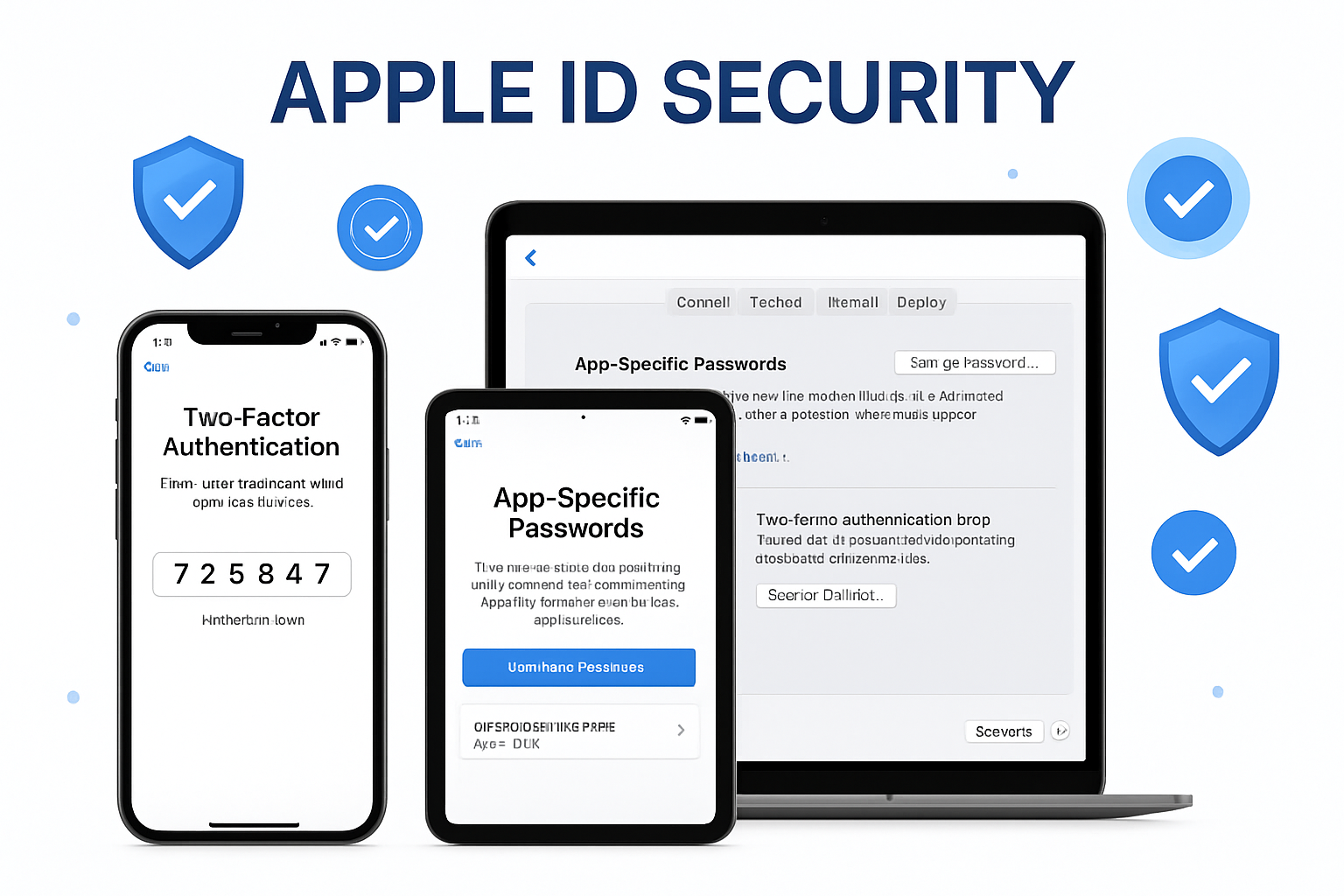
Your Apple Account password should be unique, complex, and never shared with third-party applications. This is where App-Specific Passwords become essential for business security. These generated passwords allow external apps to access your iCloud data without exposing your main account credentials.
Creating App-Specific Passwords:
- Visit appleid.apple.com and sign in
- Navigate to the “App-Specific Passwords” section
- Generate unique passwords for each third-party service
- Use descriptive labels to track password usage
This approach provides granular control over which applications can access your Apple Account data. If a third-party service experiences a security breach, you can revoke that specific password without affecting other integrations or requiring a complete account password change.
For businesses using productivity apps, email clients, or creative software that integrates with iCloud, App-Specific Passwords are non-negotiable. They provide enhanced security without compromising workflow efficiency.
Advanced Protection Strategies for Business Environments
Device Management and Trust Verification
Regular auditing of trusted devices is one of the most overlooked aspects of Apple Account security. Every device associated with your account represents a potential entry point for unauthorized access. This includes old iPhones, iPads, Macs, and even Apple TVs that may no longer be in your possession.
Quarterly Device Audit Process:
- Review all trusted devices in Settings > [Your Name] > Media & Purchases
- Remove any unrecognized or outdated devices
- Verify that all current devices show recent activity
- Update device names to reflect current users or locations
For small businesses managing multiple devices, this process becomes even more critical. Employees may leave, devices may be reassigned, or equipment may be sold without proper account disconnection. Implementing systematic device management prevents these scenarios from creating security vulnerabilities.
Screen Time and Parental Controls for Business Security
While typically associated with managing children’s device usage, Screen Time and parental controls offer robust security features for business environments. These tools can prevent unauthorized app installations, limit access to sensitive system settings, and create usage reports that help identify unusual account activity.
Business Applications of Screen Time:
- App Installation Restrictions: Prevent unauthorized software installation
- Content Filtering: Block access to potentially dangerous websites
- Communication Limits: Control which contacts can reach devices during work hours
- Usage Reporting: Monitor device activity for security anomalies
This is particularly valuable for businesses that provide devices to employees or manage shared equipment in creative studios. By implementing these restrictions at the Apple Account level, you ensure consistent security policies across all associated devices.
iCloud Security and Data Protection
Your Apple Account serves as the gateway to iCloud services, making iCloud security configuration crucial for protecting business data. This goes beyond simply enabling or disabling iCloud backup—it requires strategic decisions about which data types sync across devices and how they are protected.
Critical iCloud Security Settings:
- iCloud Keychain: Enable for secure password synchronization
- Two-Factor Authentication for iCloud: Separate from general account 2FA
- Advanced Data Protection: Available in supported regions for end-to-end encryption
- iCloud Private Relay: Enhanced privacy for web browsing
For businesses handling sensitive client information, Advanced Data Protection provides end-to-end encryption for most iCloud data categories. This means even Apple cannot access your encrypted information, providing an additional layer of protection against both external threats and government requests.
Business-Specific Implementation Strategies
Onboarding and Offboarding Procedures
Adequate Apple Account protection requires systematic procedures for adding and removing team members from your technology ecosystem. This is where many small businesses struggle—they lack the enterprise-grade tools but need enterprise-level security.
Secure Onboarding Checklist:
- Create separate Apple IDs for business use
- Configure shared iCloud storage with appropriate access levels
- Set up device-specific restrictions before deployment
- Document all account credentials in a secure password management system
- Establish clear usage policies and security expectations
Offboarding Security Protocol:
- Remove access to all shared iCloud resources
- Change any shared passwords or App-Specific Passwords
- Remotely wipe company data from personal devices
- Audit and remove trusted device designations
- Update security questions and recovery information
These procedures are essential for creative agencies and small studios, where employees often use personal devices for work. Clear boundaries and systematic processes prevent security gaps that could expose business data.
Integration with Business Workflows
Protecting your Apple Account shouldn’t disrupt business operations—it should enhance them. The key is integrating security measures into existing workflows rather than treating them as separate, burdensome tasks.
Workflow Integration Strategies:
- Schedule monthly security reviews during existing team meetings
- Use shared Notes or Reminders for security task tracking
- Implement automatic backup verification as part of project completion
- Create security incident response procedures using existing communication tools
For photographers and creative professionals, this might mean incorporating backup verification into project delivery workflows. For small business owners, it could involve adding security checks to monthly financial reviews.
The goal is to make security a natural part of business operations rather than an afterthought. When security measures align with business processes, compliance becomes automatic rather than forced.
Monitoring and Incident Response
Recognizing Security Threats
Understanding how to really protect your Apple Account includes knowing when that protection might be failing. Early threat detection can prevent minor security incidents from becoming major business disruptions.
Warning Signs of Account Compromise:
- Unexpected two-factor authentication requests
- Unfamiliar devices appearing in trusted device lists
- Unusual iCloud storage usage patterns
- Apps or purchases you didn’t authorize
- Changes to account recovery information
Many of these signs are subtle and easy to dismiss as system glitches or user error. However, they often indicate reconnaissance activities by attackers testing account security before launching more serious attacks.
Proactive Monitoring Techniques:
- Enable email notifications for all account changes
- Regularly review Apple ID purchase history
- Monitor iCloud storage usage for unexpected spikes
- Check Screen Time reports for unusual app activity
- Verify that all trusted devices remain in your control
Incident Response Planning
Even with robust protection measures, security incidents can occur. Having a predetermined response plan minimizes damage and accelerates recovery. This is particularly crucial for businesses where Apple Account access is critical for daily operations.
Immediate Response Actions:
- Isolate the Threat: Change Apple ID password immediately
- Secure Communications: Use alternative communication methods to alert team members
- Document the Incident: Record what happened, when, and what data might be affected
- Assess the Damage: Determine which systems, data, or devices are compromised
- Begin Recovery: Implement backup restoration and system rebuilding procedures
For small businesses without dedicated IT staff, documenting and making these steps easily accessible can mean the difference between a minor disruption and a major business crisis. Consider storing incident response procedures in multiple locations, including offline copies that remain accessible even if cloud services are compromised.
Long-term Security Strategy and Maintenance

Regular Security Audits
Apple Account protection isn’t a one-time setup—it requires ongoing maintenance and regular security audits. For business owners, this means establishing systematic review processes that don’t require extensive technical expertise.
Monthly Security Review Checklist:
- Verify all trusted devices are still in your control
- Review and update App-Specific Passwords
- Check for available security updates across all devices
- Audit iCloud storage usage and sharing permissions
- Test backup and recovery procedures
Quarterly Deep Audits:
- Complete review of all account settings and permissions
- Update security questions and recovery information
- Review and refresh incident response procedures
- Assess new security features and implementation options
- Document any changes in business security requirements
These regular reviews help identify security gaps before they become vulnerabilities. They also ensure that your protection measures evolve with your business needs and the changing threat landscape.
Staying Current with Security Updates
Apple regularly releases security updates and introduces new protection features. For business owners, staying informed about these changes and implementing them promptly is crucial for maintaining robust account protection.
Security Update Strategy:
- Enable automatic updates for critical security patches
- Subscribe to Apple security notifications and advisories
- Regularly review new features in iOS and macOS updates
- Test new security features in controlled environments before full deployment
- Maintain documentation of current security configurations
This proactive approach to security updates ensures that your Apple Account protection benefits from the latest security enhancements. It also helps prevent situations where outdated security configurations create new vulnerabilities.
Professional Support and Expert Guidance
When to Seek Professional Help
While many Apple Account protection measures can be implemented independently, some situations require professional expertise. Recognizing when to seek help can prevent security mistakes that could have serious business consequences.
Scenarios Requiring Professional Support:
- Complex multi-user business environments
- Integration with enterprise security systems
- Compliance with industry-specific security requirements
- Recovery from security incidents or data breaches
- Implementation of advanced security features
For creative agencies and small businesses managing multiple Apple devices, professional Mac IT support and Apple consulting can provide customized security solutions that balance protection with operational efficiency.
Building Long-term Security Partnerships
Effective Apple Account protection often requires ongoing support rather than one-time fixes. This is where establishing relationships with experienced Apple IT consultants becomes valuable for long-term business success.
Benefits of Professional Security Partnerships:
- Proactive Risk Management: Identifying and addressing vulnerabilities before they’re exploited
- Customized Security Solutions: Tailored approaches that fit specific business needs
- Ongoing Education: Keeping business owners informed about evolving threats and protection strategies
- Incident Response Support: Expert assistance during security emergencies
- Peace of Mind Through Technology Solutions: Confidence that security measures are properly implemented and maintained
With over 20 years of expertise in Mac IT support and Apple consulting, professional services can provide the specialized knowledge needed to implement comprehensive Apple Account protection strategies. This is particularly valuable for businesses that need enterprise-level security without the complexity of traditional enterprise solutions.
Conclusion
Learning how to really protect your Apple Account (Apple ID) requires a comprehensive, multi-layered approach that goes far beyond basic password protection. For small business owners, creative professionals, and agency leaders managing Apple device fleets, account security directly impacts business continuity, client trust, and competitive advantage.
The strategies outlined in this guide—from implementing robust two-factor authentication to establishing systematic security audits—provide a foundation for enterprise-level protection without enterprise-level complexity. The key is treating Apple Account security as an ongoing business process rather than a one-time technical task.
Your Next Steps:
- Immediate Action: Enable two-factor authentication and audit your trusted devices today
- This Week: Implement App-Specific Passwords for all third-party services
- This Month: Establish regular security review procedures and incident response plans
- Ongoing: Consider professional support for complex security requirements or business growth
Remember, adequate security is about creating reliable systems that protect your business while enabling productivity and growth. When implemented correctly, robust Apple Account protection becomes an invisible foundation that supports your business operations rather than hindering them.
For businesses requiring specialized expertise in Mac IT support, device management, or comprehensive Apple ecosystem security, professional consultation can deliver customized solutions that ensure security and peace of mind. The investment in proper Apple Account protection pays dividends in the form of prevented incidents, maintained productivity, and a protected business reputation.
References
[1] Apple Inc. Security Documentation and Best Practices Guidelines
[2] National Institute of Standards and Technology (NIST) Cybersecurity Framework
[3] Apple Developer Security Documentation
[4] Cybersecurity and Infrastructure Security Agency (CISA) Small Business Guidelines

Want this Mac Email Security implemented for you?
MacWorks 360 hardens, monitors, and backs up Mac fleets across New Jersey. We build policies, deploy tools, and prove restores—so your team stays safe and focused.
Contact us · Managed IT for Mac · Apple IT Support
Based in Springfield, NJ—serving Summit, Millburn, Short Hills, Chatham, Montclair, and beyond.